Introduction
3D printing used to be something only engineers could use. Now, it sits on kitchen tables and in home garages. If you are curious about it, you are not alone. Millions of beginners start their 3D printing journey every year. This guide is for you. Whether you want to buy your first printer or just understand how it works, we will cover everything. No jargon. No fluff. Just what you actually need to know to get started with confidence.
1. How Does 3D Printing Work?
Think of a 3D printer as a very precise hot glue gun. But instead of glue, it uses plastic or resin. It builds objects layer by layer, from the bottom up. You start with a digital file. The printer reads that file. Then it lays down material one thin layer at a time. Stack enough layers, and you get a real object you can hold.
1.1 From Digital File to Real Object
The process has three main steps:
- You design or download a 3D model (an STL or 3MF file).
- Slicer software cuts the model into thin layers. It also creates the path the printer head will follow.
- The printer builds the object layer by layer. Each layer fuses to the one below it.
That is it. The magic is in the precision. A typical layer is only 0.1 to 0.3 mm thick. That is thinner than a human hair.
1.2 FDM vs. SLA: Which One Is for You?
There are many types of 3D printers. But as a beginner, you only need to know two:
| Feature | FDM (Fused Deposition Modeling) | SLA (Stereolithography) |
|---|---|---|
| Material | Plastic filament (spool of string) | Liquid resin (in a tank) |
| Price range | 200–1,000+ | 200–2,000+ |
| Ease of use | Very beginner-friendly | Moderate (messy resin) |
| Print quality | Good for most hobby projects | Excellent detail, smooth finish |
| Smell/fumes | Mild (PLA is almost odorless) | Stronger (needs ventilation) |
| Best for beginners? | Yes — start here | Only if you need extreme detail |
Our recommendation: Start with FDM. It is cheaper, cleaner, and easier to learn on. SLA is great later, once you know the basics.
1.3 Key Printer Parts You Should Know
You do not need to be an engineer. But knowing these parts helps a lot:
- Print bed — The flat surface where your object is built.
- Extruder — The "hot end" that melts and pushes out the material.
- Filament spool — The roll of plastic your printer feeds from (FDM only).
- Build plate — Another name for the print bed.
- Nozzle — The tiny tip where melted material comes out. Usually 0.4 mm wide.
2. What Should You Buy for Your First Printer?
This is the question everyone asks. The answer depends on your budget and your goals. Let us break it down honestly.
2.1 Budget Breakdown: What Each Price Gets You
| Budget | What You Get | Best For |
|---|---|---|
| Under $250 | Basic FDM printer. Manual bed leveling. Smaller build size. | Testing the waters. Kids. Simple prints. |
| 250–500 | Auto bed leveling. Better speed. Larger build volume. Wi-Fi printing. | The sweet spot for most beginners. |
| 500–1,000+ | Enclosed printer. Faster speeds. Multi-material capable. | Serious hobbyists or small business use. |
Pro tip: Do not buy the cheapest option just to save money. A 200printerwithbadbedlevelingwillfrustrateyouinyourfirstweek.Spendaround∗∗300 to $400** for a smooth start.
2.2 Best FDM Printers for Absolute Beginners (2024–2025 Picks)
Based on real user feedback and reliability data:
| Printer | Price (approx.) | Why Beginners Love It |
|---|---|---|
| Creality Ender-3 V3 SE | ~$200 | Huge community. Tons of tutorials. Auto leveling. |
| Bambu Lab A1 Mini | ~$300 | Plug-and-play. Fast. Almost zero setup headaches. |
| Prusa MK4S | ~$800+ | Built like a tank. Amazing support. Best quality. |
| Elegoo Neptune 4 Pro | ~$250 | Great value. Auto leveling. Good print quality. |
If you want the easiest possible start, the Bambu Lab A1 Mini is hard to beat. It just works out of the box. If you want to save money and learn more, the Ender-3 V3 SE is a solid choice.
2.3 Essential Accessories You Will Actually Need
Do not buy everything at once. But these few items will save you headaches:
- PLA filament (1 kg spool, black or white) — 15to25
- Spare nozzles (pack of 5, 0.4 mm) — 8to12
- Isopropyl alcohol (90%+) — for bed cleaning — 5to8
- A pair of flush cutters — to trim filament — $5
- Painter's tape or glue stick — for bed adhesion — 3to5
- A small spool holder — keeps filament tidy — 8to10
Total starter kit cost: around 50to75 on top of the printer.
2.4 What You Do NOT Need to Buy Yet
Save your money. You do not need these as a beginner:
- ❌ Enclosed printer (get one later if you print ABS)
- ❌ Multiple filament colors (start with one)
- ❌ Resin printer (too messy for day one)
- ❌ 3D scanner (fun, but not necessary)
- ❌ Expensive "premium" filaments (stick with PLA first)
3. What Materials Should Beginners Start With?
3.1 PLA: The Perfect First Filament
PLA (Polylactic Acid) is the #1 material for beginners. Here is why:
- It is made from plant-based materials (corn starch, sugarcane).
- It prints at low temperatures (190–220°C).
- It has almost no smell compared to other filaments.
- It does not warp easily. This means fewer failed prints.
- It comes in tons of colors and is very cheap (15–25 per kg).
Bottom line: If you only buy one filament, buy PLA.
3.2 Basic Material Properties Simplified
| Material | Print Temp | Bed Temp | Strength | Smell | Beginner-Friendly? |
|---|---|---|---|---|---|
| PLA | 190–220°C | 50–60°C | Moderate | Almost none | ✅ Yes |
| PETG | 220–250°C | 70–80°C | Strong, flexible | Mild | ✅ Yes (step 2) |
| ABS | 230–260°C | 90–110°C | Very strong | Strong fumes | ❌ Not yet |
| TPU | 210–230°C | 50–60°C | Rubber-like | Mild | ❌ Not yet |
Start with PLA. Move to PETG when you want something stronger or more heat-resistant. Do not touch ABS until you are comfortable.
3.3 Storage and Handling Tips
- Keep filament dry. Moisture is the enemy. Use a filament dryer box or a sealed bag with silica gel.
- Store at room temperature. Do not leave it in a hot car.
- Do not mix old and new spools. Use one spool at a time.
- Wind spools neatly. Tangled filament causes jams.
4. How Do You Prepare and Print Your First Model?
This is the exciting part. Let us walk through it step by step.
4.1 Where to Find Free 3D Models
You do not need to design anything yourself. These sites have thousands of free beginner-friendly models:
| Website | Best For | Cost |
|---|---|---|
| Thingiverse | Huge library. Community favorites. | Free |
| Printables (Prusa) | High-quality, well-tested models. | Free |
| MyMiniFactory | Great for small decorative items. | Free + paid |
| Cults3D | Artistic and unique designs. | Free + paid |
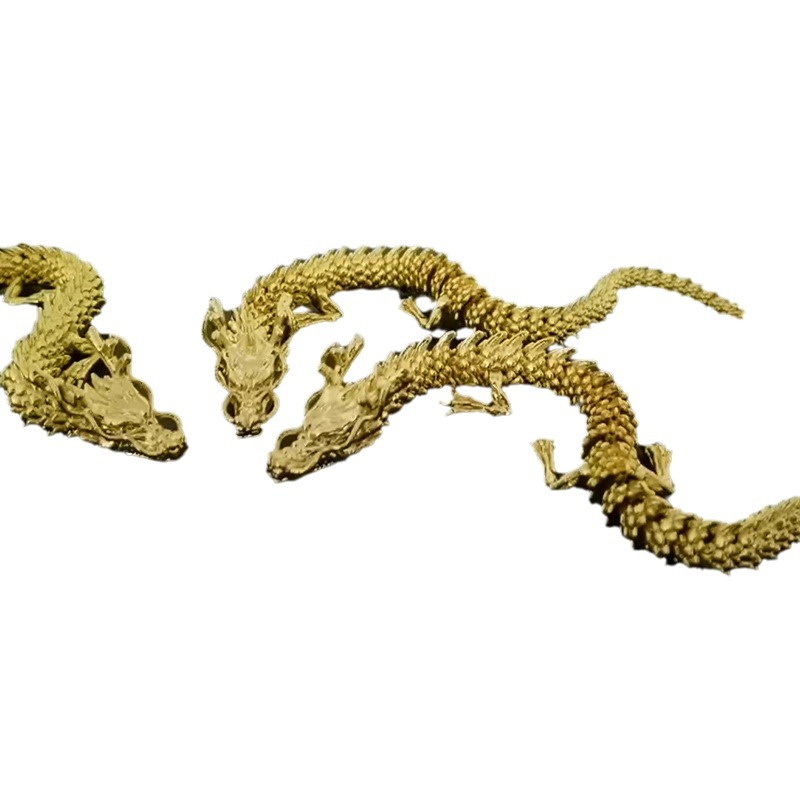
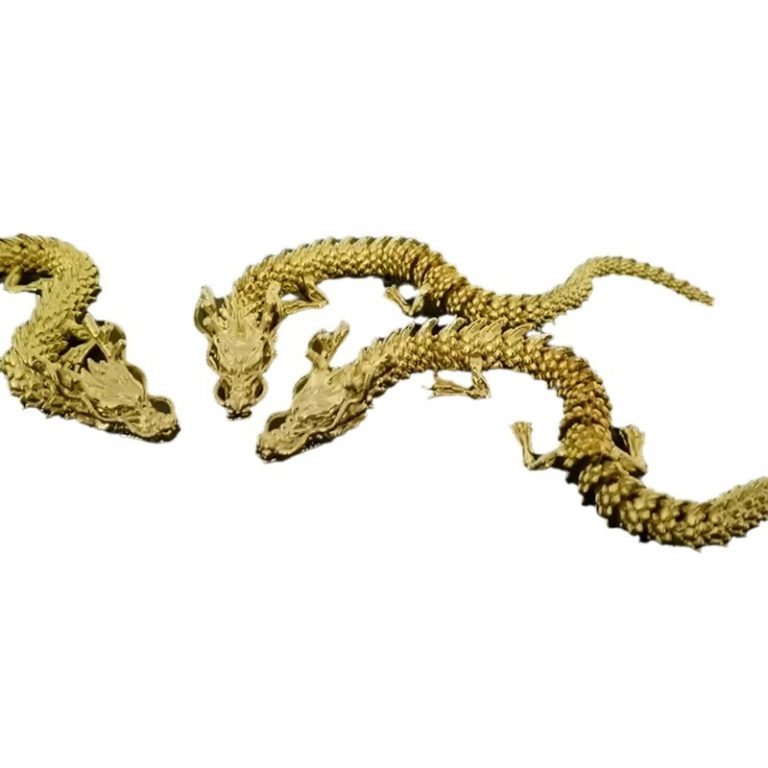
Start with something simple. A benchy (a tiny boat), a phone stand, or a cookie cutter. Do not start with a dragon. Seriously.
4.2 Slicer Software Basics
The slicer is the program that turns your 3D model into printer instructions. The two most popular options are:
| Slicer | Best For | Cost |
|---|---|---|
| Bambu Studio / Orca Slicer | Bambu Lab printers. Very beginner-friendly. | Free |
| Cura | Works with almost any printer. Huge plugin library. | Free |
| PrusaSlicer | Prusa printers. Very precise controls. | Free |
For your first print, use the default settings. Just load the model, click "Slice," and send it to the printer. You can tweak settings later.
Key settings to know (keep it simple):
- Layer height: 0.2 mm (good balance of speed and quality)
- Infill: 20% (solid enough, saves material)
- Print speed: 50 mm/s (slow and steady for first prints)
- Supports: Auto (let the slicer decide when needed)
4.3 Bed Leveling and First-Layer Adhesion
This is where most beginners fail. But it is also easy to fix.
Step-by-step bed leveling (manual):
- Heat the bed to 60°C (for PLA).
- Home the printer (move all axes to zero).
- Slide a piece of paper under the nozzle at each corner.
- You should feel slight resistance when pulling the paper.
- Adjust the knobs under each corner until all four feel the same.
- Do this 2–3 times. It gets fast with practice.
First-layer adhesion hacks:
- Clean the bed with isopropyl alcohol before every print.
- Use a glue stick or hair spray on the bed (yes, really — it works).
- Make sure the first layer is squished flat. It should look smooth, not round.
4.4 Common First-Print Mistakes (And How to Avoid Them)
| Problem | Cause | Fix |
|---|---|---|
| Stringy mess between parts | Retraction not set | Enable retraction in slicer (5–6 mm for Bowden, 1–2 mm for direct drive) |
| Object not sticking to bed | Bed too cold or dirty | Clean bed. Raise bed temp to 60°C. Use glue stick. |
| Warping (corners lifting up) | Bed temp too low or drafts | Use an enclosure or block drafts. Increase bed temp. |
| Clogged nozzle | Bad filament or temperature too low | Do a "cold pull." Clean nozzle. Check temp. |
| Ugly top surface | Top layers too few | Set top layers to at least 4–5 in slicer. |
5. What Are the Safety and Maintenance Basics?
5.1 Ventilation and Temperature
- PLA is safe for most rooms. It has minimal fumes. But always print in a ventilated space.
- Never leave a printer running unattended for hours. Especially when you are new.
- The hot end reaches 200°C+. Do not touch it. Keep kids and pets away.
- If you print ABS later, you need good ventilation or an enclosure. ABS fumes are not healthy.
5.2 Routine Maintenance Every Beginner Should Know
| Task | How Often | How Long |
|---|---|---|
| Clean the print bed | Before every print | 2 minutes |
| Wipe the nozzle | Every 3–5 prints | 1 minute |
| Lubricate rods and rails | Every 2–4 weeks | 5 minutes |
| Check belt tension | Monthly | 5 minutes |
| Clean the fan vents | Monthly | 5 minutes |
A well-maintained printer lasts years. A neglected one fails in months.
5.3 Troubleshooting 101: When Prints Fail
Here is a quick decision tree for the most common issues:
Print failed?
│
├── Nothing stuck to bed?
│   → Clean bed. Add glue. Check bed temp.
│
├── Layers shifted mid-print?
│   → Check belts. Reduce print speed.
│
├── Stringy / blobby mess?
│   → Lower temp by 5°C. Enable retraction.
│
├── Under-extrusion (gaps in layers)?
│   → Clean nozzle. Check filament path. Raise temp by 5°C.
│
└── Warping / lifting?
    → Increase bed temp. Block drafts. Use brim or raft.
The golden rule: Change only ONE thing at a time. If you adjust temperature, speed, and retraction all at once, you will never know what fixed it.
Conclusion
3D printing is no longer rocket science. It is a skill anyone can learn in a weekend. Start with an FDM printer around 300–400. Use PLA filament. Download a free model from Thingiverse or Printables. And just hit print.
Your first print will not be perfect. That is okay. Every expert started with a wobbly, stringy mess. The key is to start simple, stay patient, and learn from each failed print. Within a few weeks, you will be designing your own objects. And that is when the real fun begins.
FAQ
Is 3D printing hard to learn?
No. Most beginners print their first successful object within 1–3 days. The learning curve is gentle if you start with the right printer and material.
How much does 3D printing cost to start?
Expect to spend 300–500 total for a decent printer plus filament and basic tools. Ongoing filament costs are about 2–5 per print depending on size.
Can 3D printing be a business?
Yes. Many people sell 3D printed products on Etsy, at craft fairs, or through custom orders. But start as a hobby first. Learn the craft before you monetize it.
What is the best 3D printer for a complete beginner in 2025?
The Bambu Lab A1 Mini is the top pick for ease of use. The Creality Ender-3 V3 SE is the best budget option. Both are excellent starting points.
Is PLA safe to print at home?
Yes. PLA is made from plant-based materials and produces minimal fumes. It is the safest filament for home use, especially with kids around.
How long does a 3D print take?
It depends on size. A small phone stand takes 1–2 hours. A large helmet could take 20+ hours. Most beginner prints fall in the 2–8 hour range.
Contact Yigu Technology for Custom Manufacturing
Need custom 3D printed parts or low-volume production? Yigu Technology offers professional 3D printing services and custom manufacturing solutions. From rapid prototyping to small-batch production, we handle it all.
📩 Get a free quote today. Let us bring your ideas to life.
🌐 Visit: Yigu Technology
📞 Tell us your project — we will tell you what is possible.