Introduction
Every product team hits the same wall. You have a design. You need a physical part. But which process do you pick? CNC machining, 3D printing, or silicone molding? Each has pros and cons. But when your part needs real strength, tight tolerances, or true-to-life material behavior, CNC prototyping often wins. Yet many teams avoid it. They worry about cost. They fear long lead times. They don't know how to design for it. This guide cuts through the noise. We'll show you exactly when CNC prototyping makes sense, how to control costs, and how to find the right shop. Whether you're a first-time founder or a seasoned engineer, you'll walk away with a clear decision framework.
Product Development: Why CNC Still Wins
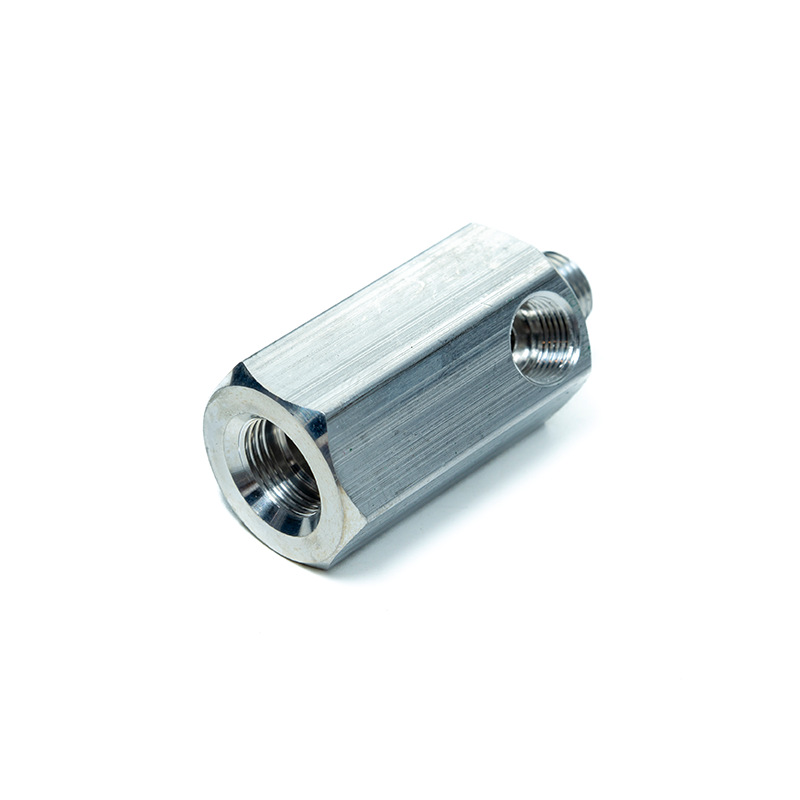
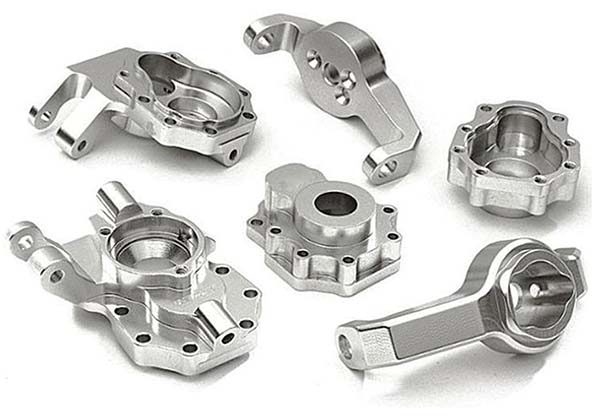
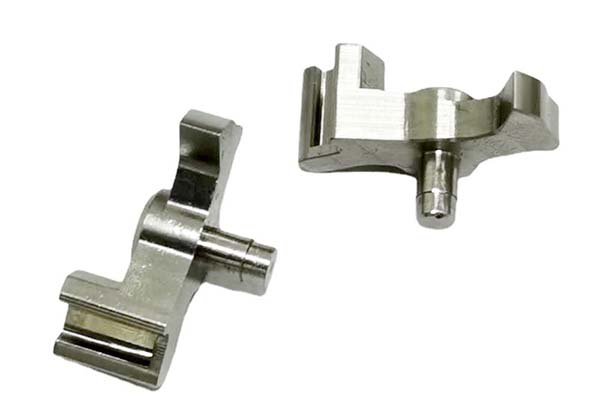
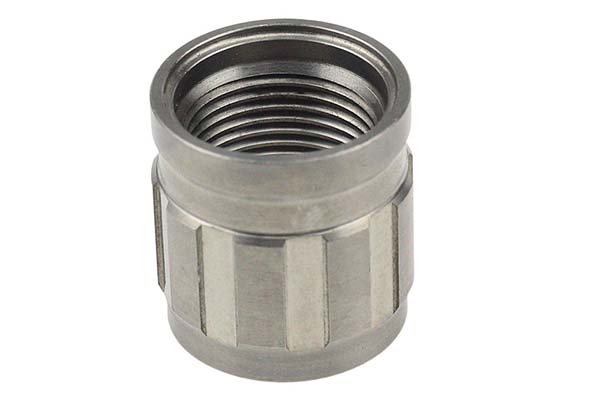
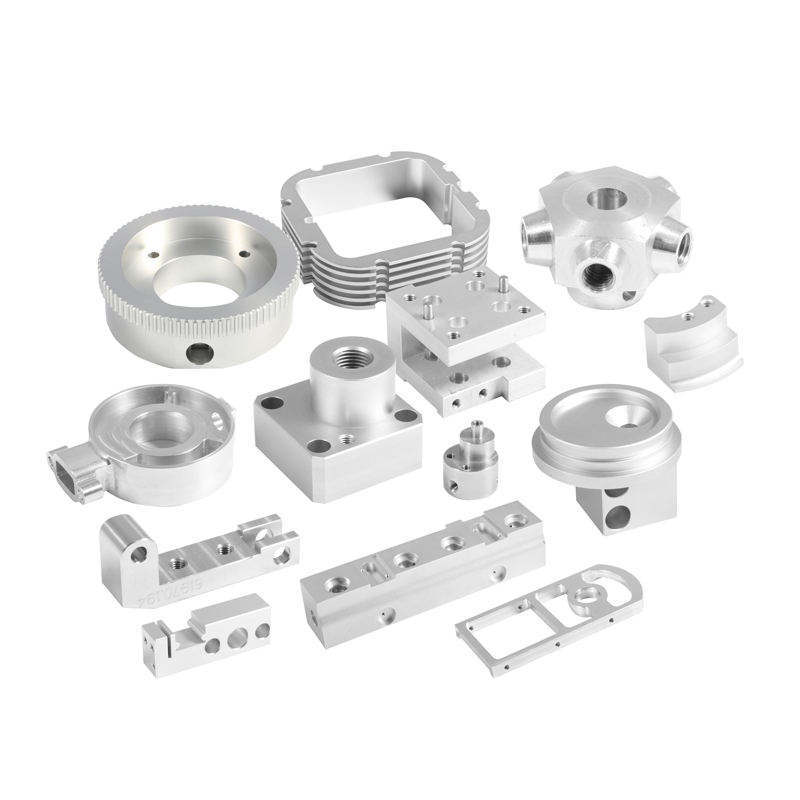
Prototypes exist for one reason: validate before you commit. A bad prototype kills a good product. That's why CNC machining remains the gold standard for functional prototypes. It delivers real metal and engineering-grade plastic. It holds tight tolerances. And it gives you parts you can actually test. Other methods have their place. But for structural, thermal, or fit-critical checks, CNC is hard to beat.
This article answers your biggest CNC prototyping questions:
- Is it really more expensive?
- Can you get it fast?
- How do you design for it?
- How do you pick a good supplier?
Let's dive in.
1. CNC vs Other Methods: Where It Shines
1.1 Accuracy Showdown: Tolerance Comparison
Let's start with the numbers. Here's how CNC machining stacks up against common prototype methods:
| Process | Typical Tolerance | Best For |
|---|---|---|
| CNC Machining (3-axis) | ±0.05 mm to ±0.1 mm | Metal & plastic functional parts |
| CNC Machining (5-axis) | ±0.02 mm to ±0.05 mm | Complex geometry, tight fits |
| SLA 3D Printing | ±0.1 mm to ±0.15 mm | Visual models, fit checks |
| FDM 3D Printing | ±0.2 mm to ±0.5 mm | Rough concepts, form studies |
| Silicone Mold (Replica) | ±0.1 mm to ±0.2 mm | Low-volume production runs |
CNC machining wins on raw accuracy. Especially with 5-axis CNC, you get tolerances that 3D printing simply can't match. For parts that must mate, slide, or seal, this gap matters a lot.
1.2 Real Material Feel: Metal & Plastic Advantage
Here's something 3D printing can't fake: material behavior. A 3D-printed ABS part feels like plastic. A CNC-machined aluminum part feels like the final product. That matters for:
- Thermal testing: Metal conducts heat. Plastic doesn't. Only CNC gives you real data.
- Weight validation: CNC aluminum has the same density as production parts.
- Stiffness checks: You can bend-test a CNC part and trust the result.
For example, a consumer drone startup we worked with used CNC-machined 6061 aluminum brackets for their first functional prototype. The 3D-printed version flexed under load. The CNC part held. They caught a design flaw early. That saved them $40K in tooling costs later.
1.3 Strength & Surface: Why Test Parts Need CNC
Surface finish and mechanical strength are where CNC truly separates itself. Typical CNC surface roughness (Ra) ranges from 0.8 µm to 3.2 µm. That's smooth enough for sliding fits and seal tests. 3D printed parts often sit at Ra 6 µm to 25 µm. They need heavy post-processing to get close.
For structural testing, CNC parts behave like production parts. They don't have layer lines. They don't have anisotropic weakness. If your prototype needs to survive a drop test or a torque check, go with CNC.
2. Cost Myth: Is CNC Really That Expensive?
2.1 Single-Part Cost Breakdown
Let's break down a typical CNC prototype cost. Say you need one aluminum part, 100mm × 50mm × 30mm:
| Cost Item | Typical Range | % of Total |
|---|---|---|
| Raw Material | 5–15 | 15–25% |
| Machine Time (setup + cut) | 30–80 | 40–55% |
| Programming & Setup | 20–50 | 15–25% |
| Quality Inspection | 10–25 | 5–10% |
| Total | 65–170 | 100% |
Yes, CNC machining costs more per part than a 3D print. But look at the full picture.
2.2 Hidden Costs: CNC vs 3D Print Total Spend
Most teams only compare the part price. They forget post-processing. Here's a real comparison:
| Cost Factor | CNC Prototype | 3D Printed Prototype |
|---|---|---|
| Part cost | $80 | $25 |
| Post-processing (sanding, painting, curing) | 0–10 | 30–80 |
| Failed test due to weak part (re-run) | Rare | Common (15–30% of cases) |
| Time lost redesigning | Low | High |
| Effective total cost | 80–90 | 55–135+ |
When you factor in failed tests and redesigns, 3D printing isn't always cheaper. In our experience, about 20% of 3D-printed functional prototypes fail validation. That means a second run. And a second run kills your speed advantage.
2.3 When CNC Actually Saves Money
CNC prototyping saves money when:
- You need metal parts (3D-printed metal is 5–10x more expensive).
- You're testing fit and function (one CNC part replaces 3–4 failed prints).
- You're close to production (CNC prototypes double as production-ready samples).
- Your design is final or near-final (no need to re-print after changes).
A medical device company we advised switched from SLA prints to CNC-machined PEEK for their housing prototype. The CNC part cost 120vs.90 for the print. But the print cracked during assembly testing. They re-printed twice. Total spend: 270plus2weeksofdelay.TheCNCroutewouldhavebeen120 and done in 5 days.
3. Speed & Lead Time: Fast and Reliable
3.1 Standard vs Rush: Real Lead Time Differences
| Service Level | Typical Lead Time | Best For |
|---|---|---|
| Standard (3–5 parts) | 5 – 7 business days | Planned iterations |
| Rush (1–2 parts) | 2 – 3 business days | Urgent design checks |
| Emergency (same-day) | 1 business day | Critical failure fixes |
Most CNC prototype shops can turn a simple part in 3–5 days. Complex 5-axis work takes 7–10 days. That's faster than you think. Especially compared to waiting 2 weeks for a silicone mold to be made.
3.2 What Slows Down CNC Prototypes?
The real bottlenecks are:
- Material availability: Exotic alloys like titanium or Inconel take longer to source.
- Complex geometry: Deep cavities, thin walls, or undercuts need more setup time.
- Tight tolerances: ±0.02 mm requires slower feeds and more inspection.
- Queue position: Small orders often get pushed behind large production runs.
3.3 Work With Your Shop to Speed Things Up
Here are proven tactics to shorten CNC lead time:
- Send clean CAD files (STEP or IGES, not screenshots).
- Specify non-critical tolerances loosely (e.g., ±0.1 mm instead of ±0.02 mm where possible).
- Batch similar parts together to share setup time.
- Ask about off-peak scheduling (many shops are faster on Tuesdays–Thursdays).
- Use standard stock sizes when you can (reduces material lead time).
A robotics team we worked with cut their CNC lead time from 10 days to 4 days. How? They sent clean STEP files, grouped 6 parts into one job, and accepted ±0.1 mm tolerances on non-mating surfaces. Simple changes. Big results.
4. Design for CNC: Get It Right the First Time
4.1 Smart Simplification for Prototype Stage
You don't need production-level complexity in a prototype. Here's what you can simplify:
- Combine multiple parts into one machined block (saves assembly time).
- Remove non-functional details like logos, textures, or decorative features.
- Use standard hole sizes (avoid custom drill sizes that need special tooling).
- Skip tight thread specs – use clearance holes instead.
This reduces CNC programming time and cost. It also speeds up delivery.
4.2 CNC-Friendly Design Tweaks
Some features are CNC nightmares. Here's how to fix them:
| Tricky Feature | Problem | CNC-Friendly Fix |
|---|---|---|
| Internal sharp corners | Tool can't reach | Add 0.5 mm radius (fillet) |
| Walls thinner than 1 mm | Tool breaks or flexes | Increase to 1.5 mm minimum |
| Deep cavities (depth > 3× diameter) | Tool deflection, poor finish | Split into two parts or use EDM |
| Undercuts | Standard CNC can't cut them | Use 5-axis or redesign |
A consumer electronics client kept getting quote rejections for their enclosure design. The issue? 0.8 mm walls and internal sharp corners. We added 0.5 mm fillets and bumped walls to 1.2 mm. The shop accepted the job immediately. Cost dropped 18%.
4.3 Tolerances: Does Every Dimension Need to Be Perfect?
No. And that's the key insight most teams miss. Not every feature on a prototype needs tight tolerance. Use this rule:
| Feature Type | Recommended Tolerance |
|---|---|
| Mating / fitting surfaces | ±0.05 mm |
| Bearing or shaft seats | ±0.02 mm |
| General outer dimensions | ±0.1 mm to ±0.2 mm |
| Non-functional / aesthetic | ±0.5 mm (or "as machined") |
Over-specifying tolerances increases cost by 20–40% with zero functional benefit. Be smart about where precision matters.
5. Quality Control: What to Actually Inspect
5.1 Dimensional Check: Key vs Non-Key Features
Don't measure everything. Focus on what matters:
| Check Type | What to Measure | Tool |
|---|---|---|
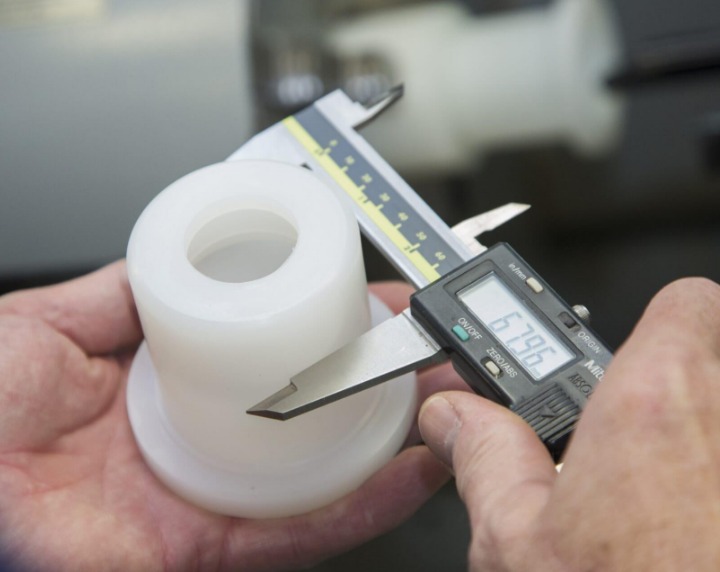
| Critical fit | Hole positions, shaft diameters | CMM or calipers |
| General size | Overall length, width, height | Calipers or tape |
| Non-critical | Cosmetic edges, non-mating surfaces | Visual check |
A good rule: measure the 3–5 features that affect function. Leave the rest alone.
5.2 Surface Finish: What's Acceptable?
| Surface Type | Acceptable Ra | When to Reject |
|---|---|---|
| Mating / sealing surfaces | 0.8 – 1.6 µm | Ra > 3.2 µm |
| General machined faces | 1.6 – 3.2 µm | Visible tool marks affecting function |
| Non-visible / internal | 3.2 – 6.3 µm | Burrs or sharp edges |
Minor cosmetic scratches on hidden surfaces? Totally fine for a prototype. Don't pay for mirror finishes where they don't matter.
5.3 Functional Test: Prototypes Exist to Be Tested
This is the most overlooked step. A prototype that looks perfect but fails a functional test is worthless. Always run:
- Fit tests: Do parts assemble smoothly?
- Load tests: Can the part handle expected forces?
- Thermal tests: Does it behave as expected under heat?
- Cycle tests: Can it survive repeated use?
We once saw a team approve a beautiful CNC aluminum bracket. It passed every dimensional check. But it cracked after 500 cycles. The issue? A stress concentration at a fillet they hadn't tested. Always test the real-world use case, not just the drawing.
6. Supplier Selection: Find the Right CNC Partner
6.1 Machine Types: 3-Axis vs 5-Axis
| Machine Type | Best For | Prototype Capability |
|---|---|---|
| 3-Axis CNC | Flat parts, simple pockets, holes | 80% of prototype needs |
| 4-Axis CNC | Cylindrical parts, simple curves | Rotational features |
| 5-Axis CNC | Complex surfaces, organic shapes | High-end functional prototypes |
For most prototypes, 3-axis CNC is enough. But if your part has compound angles or deep 3D contours, you need 5-axis. Don't pay for 5-axis if you don't need it.
6.2 Response Speed: What Fast Replies Tell You
A shop's quoting speed reveals its service culture:
| Response Time | What It Means |
|---|---|
| < 2 hours | Highly organized, prototype-focused shop |
| 4 – 12 hours | Standard professional shop |
| > 24 hours | Likely production-focused, not prototype-friendly |
For prototyping, you want a shop that replies fast. Speed in quoting usually means speed in production.
6.3 Case Studies: Experience Beats Size
Don't pick the biggest shop. Pick the one with prototype experience. Ask for:
- Photos of similar parts they've machined.
- References from product teams (not just production buyers).
- Their typical prototype turnaround time.
A small shop with 5 CNC machines and 10 years of prototype work will often outperform a large factory with 50 machines and zero prototype focus.
Conclusion
CNC prototyping is not the expensive, slow option everyone thinks it is. It's the smart investment when you need real materials, real strength, and real accuracy. Yes, it costs more per part than a 3D print. But when you factor in failed tests, redesigns, and delayed launches, CNC often wins on total cost and total time. The key is to design smart, specify wisely, and pick the right shop. Done right, CNC prototyping doesn't slow you down. It speeds you up — by catching problems before they become expensive mistakes.
FAQ
Is CNC prototyping cheaper than 3D printing?
Not per part. But when you include post-processing, failed tests, and redesigns, CNC is often cheaper overall — especially for metal or functional plastic parts.
How fast can I get a CNC prototype?
Simple parts: 2–5 business days. Complex 5-axis parts: 7–10 days. Rush services can cut this in half for an extra fee.
What materials can I use for CNC prototypes?
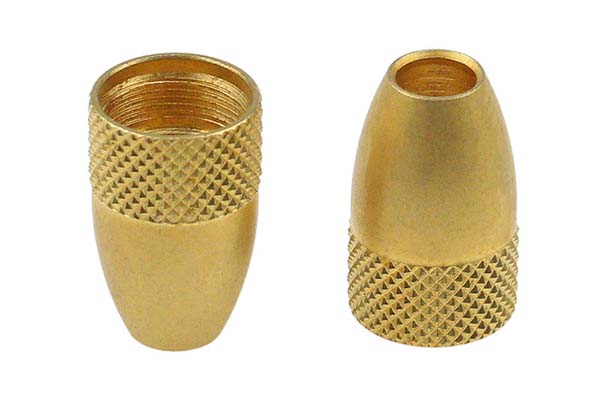
Almost any machinable material: aluminum (6061, 7075), steel, titanium, brass, ABS, POM, PEEK, nylon, Delrin, and more.
Do I need tight tolerances on my prototype?
Only on mating, fitting, and functional surfaces. Loose tolerances (±0.1 mm or more) on non-critical features save 20–40% on cost.
How do I find a good CNC prototype shop?
Look for fast quoting (under 12 hours), prototype-focused experience, clean case studies, and transparent pricing. Machine count matters less than expertise.
Can CNC prototypes be used for production?
Yes. Many CNC prototypes are production-ready. This is especially true for low-volume runs (1–100 units) where tooling costs don't make sense.
Contact Yigu Technology for Custom Manufacturing
Need a CNC prototype that's fast, accurate, and cost-smart? Yigu Technology specializes in rapid CNC machining for product development teams. From aluminum brackets to PEEK housings, we deliver functional prototypes in as fast as 3 days. Get a free quote today — send us your CAD file and we'll respond within hours.
Yigu Technology — Precision CNC Prototyping, Done Right.