Introduction
In the fast-paced world of technology, developing effective solutions to meet user needs is a constant challenge. Prototype solutions serve as preliminary models that encapsulate core features and functionality of final products or systems. They act as tangible representations of ideas, allowing stakeholders to visualize, test, and refine concepts before full-scale development. Whether a basic software application showcasing user interface and key interactions, or a hardware mock-up demonstrating form factor and basic operational capabilities, prototypes bridge the gap between abstract concepts and concrete implementation. This guide explores how prototype solutions are created, tested, and refined—and how they lead to more successful, user-centric products.
What Are the Applications of Prototype Solutions?
Prototype solutions are versatile across fields.
In the Tech World: Hardware Development
In hardware development, prototypes are essential. Developing a new smartphone begins with a physical mock-up—a 3D-printed model showcasing form factor, size, and button/port placement.
A well-known electronics company developing a new tablet created multiple prototypes. Initial prototypes focused on design and ergonomics—testing comfort, screen size suitability. As development progressed, functional prototypes included actual hardware components—processor, battery, display. Testing optimized battery life, touch-screen response, and overall stability. This iterative prototyping reduced risk of product failure and led to successful launch.
In Product Design
Designing a new fitness tracker transforms concept into tangible form. Designers first create low-fidelity prototypes—simple cardboard models—to visualize size, shape, and wrist fit.
High-fidelity prototypes—3D-printed models with basic functionality (step tracking, time display)—enable user testing. A popular fitness tracker brand gathered feedback on strap comfort, display readability, button ease-of-use. Through prototype testing, they changed device shape for ergonomics, improved display contrast for sunlight visibility, simplified button layout. Sales increased by 40% in the first year compared to previous model.
In Business Process Optimization
Businesses optimize operations using prototype solutions. A manufacturing company creating a simulation-based prototype of a new production line layout used software to simulate material flow, worker movement, machine operation.
By running different scenarios, they identified bottlenecks—a machine with longer processing time causing delays. Re-arranging layout and re-allocating tasks in the prototype increased production efficiency by 25% . Improvements were implemented in the actual production line, resulting in cost savings and increased output.
A bank optimizing customer service created a prototype of a new online banking interface or in-branch service process. User testing identified areas for improvement—reducing transaction steps, making website information more accessible—leading to increased customer satisfaction and more business.
What Is the Process for Developing a Prototype Solution?
Step 1: Problem Identification and Analysis
The first step is accurately identifying the problem—diving into user/client requirements, pain points, and context.
Interviews: For a new e-commerce platform, interview potential customers, merchants, customer service representatives. Ask open-ended questions: “What challenges do you face with current e-commerce platforms?” “What features do you wish were available?”
Surveys: A software company creating a new project management tool distributed surveys to project managers across industries—collecting quantitative data on feature importance (task tracking, resource allocation, team communication).
Root-cause analysis: Using the 5 Whys method. If users abandon online shopping carts: “Why are users abandoning?” → “Shipping costs too high.” → “Why are shipping costs high?” → Continue until root cause identified (inefficient logistics, inaccurate cost-calculation). This analysis ensures the solution addresses core problems.
Step 2: Concept Generation and Design
After problem analysis, generate concepts. Brainstorming sessions involve all stakeholders—developers, designers, end-users.
For the e-commerce platform, concepts might include AI-based product recommendations to encourage purchase completion, or one-click checkout to simplify payment.
Design principles:
- Usability: Easy to navigate; clear, intuitive interface. Mobile application prototypes use large, easy-to-tap buttons and simple, linear navigation.
- Scalability: For software expected to handle large numbers of users or transactions, modular architecture enables easy addition of features and handling increased loads.
Tools: Wireframing tools (Balsamiq) for low-fidelity UI mock-ups; 3D modeling software (Autodesk Inventor) for virtual hardware models.
Step 3: Building the Prototype
Construction uses specific technologies, tools, and materials based on solution nature.
Hardware prototypes: Simple mechanical devices use 3D-printable plastics (ABS, PLA)—inexpensive, easy to work with. Complex electronics prototypes use microcontrollers (Arduino, Raspberry Pi), sensors, actuators.
Challenges: Software prototypes may have compatibility issues between libraries or frameworks. Solutions include finding alternative libraries or debugging code. Hardware prototypes may have inaccurate 3D printing or electrical short-circuits—addressed through careful quality control checks, testing individual components before assembly.
Step 4: Testing and Validation
Testing ensures the prototype works as intended and meets user needs.
Usability testing: Observe users interacting with the prototype. For a mobile game prototype, observe whether users easily understand controls, learn quickly, encounter frustrating moments. Gather feedback to improve user experience.
Performance testing: For web applications, measure response time under different user traffic levels using tools like JMeter to simulate concurrent users.
Metrics:
- Functionality: Percentage of features fully functional
- Usability: Time to complete tasks, number of errors, user satisfaction scores
- Performance: Response time, throughput (requests processed per unit time), resource utilization (CPU, memory)
Compare against predefined standards to determine prototype effectiveness.
Step 5: Iteration and Improvement
Based on testing results, iterate and improve.
- Software: If users have difficulty finding a feature, modify UI—change placement, add visual cues, simplify navigation.
- Hardware: If device overheats during extended use, improve heat dissipation—add cooling mechanisms (heat sinks, fans), optimize component layout.
After each iteration, retest to ensure improvements are effective and no new issues introduced. Cycle continues until prototype reaches satisfactory quality and functionality.
How Does Yigu Technology Approach Prototype Solutions?
As a non-standard plastic and metal products custom supplier, Yigu Technology integrates prototype solutions into product development.
We Start with Problem Identification
We work with clients to understand requirements, pain points, and context—ensuring solutions address core problems.
We Generate Concepts
Our design team brainstorms with stakeholders to generate innovative concepts, balancing creativity with feasibility.
We Build and Test
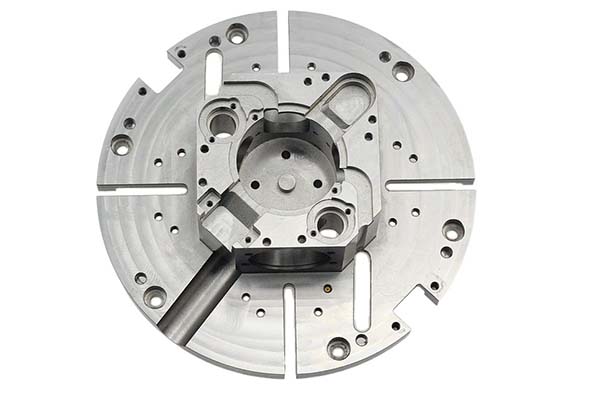
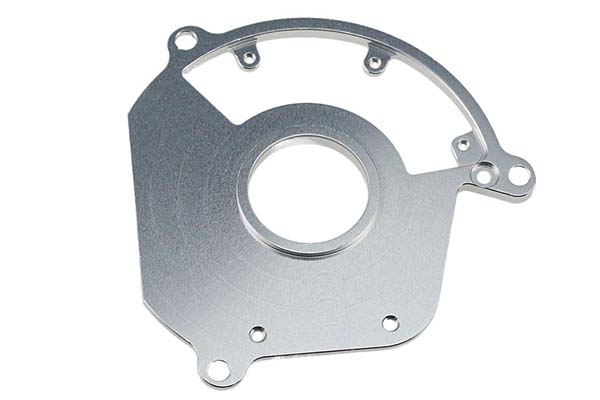
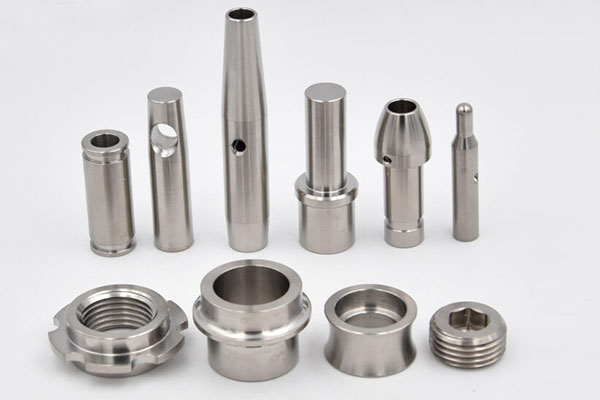
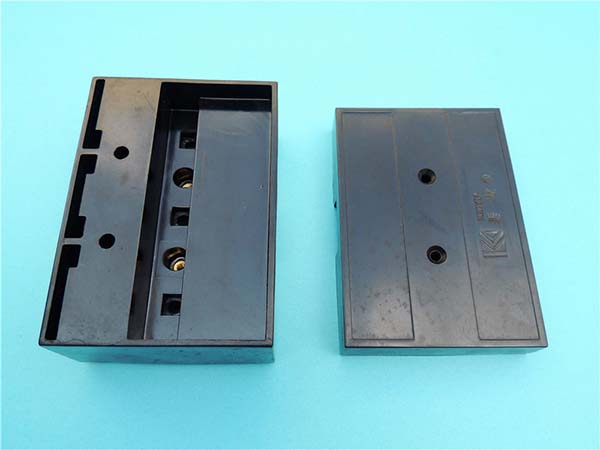
Using 3D printing, CNC machining, and injection molding, we build functional prototypes. Rigorous testing—usability, performance, functionality—validates designs.
We Iterate
We refine based on testing results, continuously improving until prototypes meet quality and functionality standards.
Conclusion
Prototype solutions are indispensable in modern product and system development. They translate ideas into tangible entities that can be tested, refined, and transformed into successful products or optimized processes. Across tech, product design, and business, prototypes validate technical concepts, improve user experience, ensure product quality, and streamline operations.
The structured process—problem identification, concept generation, building, testing, iteration—ensures continuous refinement. By embracing prototype solutions, businesses avoid costly mistakes, save time and resources, and create products that truly meet user needs. As technology evolves and user expectations rise, the importance of prototype solutions will only grow.
Frequently Asked Questions
What is the difference between a low-fidelity and high-fidelity prototype?
Low-fidelity prototypes are simple, quick representations—paper sketches, cardboard models, wireframes—used for early concept validation, focusing on basic structure and layout. High-fidelity prototypes are detailed, functional models—3D-printed parts, interactive software—closely resembling final products, used for user testing and design refinement.
How many prototype iterations are typically needed?
Most products require 3 to 5 iterations. Early iterations test basic concepts; later iterations refine functionality, usability, and performance. The number depends on product complexity and how well initial concepts meet user needs.
What tools are commonly used for prototype development?
Software: Wireframing (Balsamiq, Sketch), 3D modeling (SolidWorks, Autodesk Inventor), simulation (JMeter for performance testing). Hardware: 3D printers (FDM, SLA), microcontrollers (Arduino, Raspberry Pi), sensors, actuators.
How can I ensure my prototype testing provides actionable feedback?
Define clear metrics before testing—task completion time, error rates, user satisfaction scores. Observe users directly, record sessions. Ask open-ended questions: “What was confusing?” “What would you change?” Use specific scenarios rather than general exploration. Test with representative users, not just colleagues.
What are common mistakes to avoid in prototype development?
Skipping problem identification: Building without understanding core issues leads to solutions that don’t address real needs. Over-building early: High-fidelity prototypes too early waste time; start low-fidelity. Ignoring user feedback: Prototypes without user testing are just assumptions. Not iterating: Expecting first version to be final; prototyping is iterative by nature.
Contact Yigu Technology for Custom Manufacturing
Ready to unlock the power of prototype solutions for your next project? Yigu Technology offers 3D printing, CNC machining, and injection molding services. Our engineers guide you through problem identification, concept generation, building, testing, and iteration. Contact us today to discuss your project.