Introduction
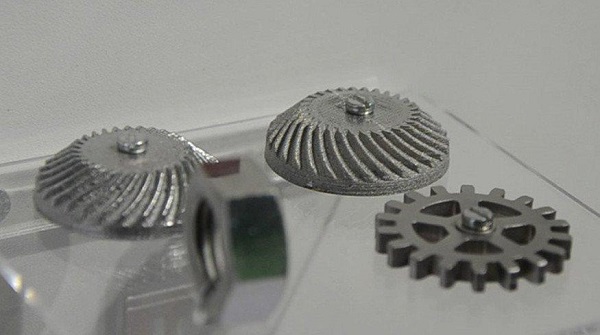
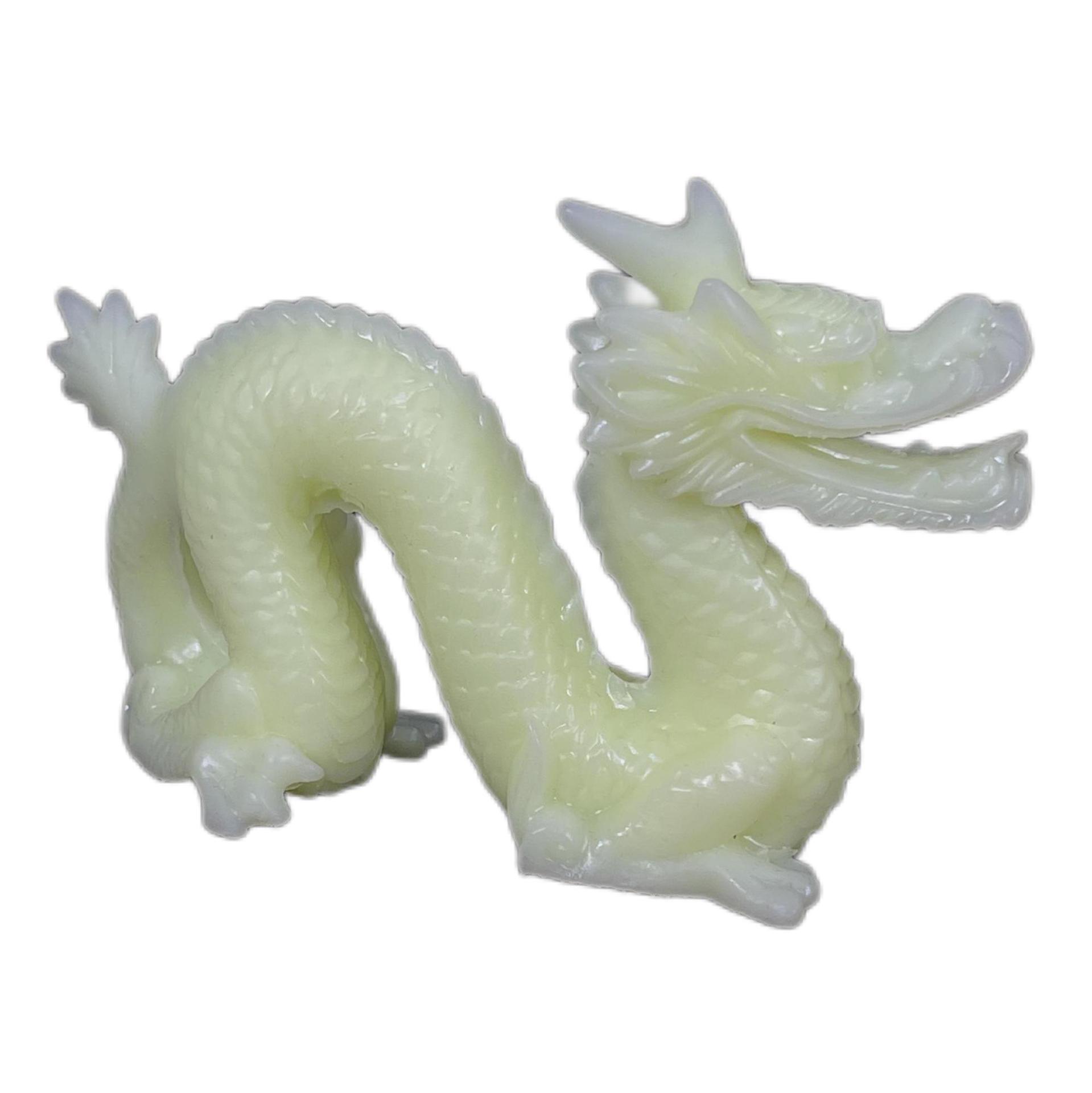
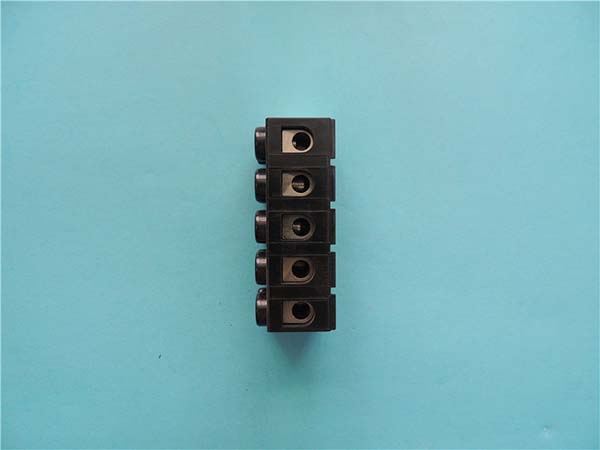
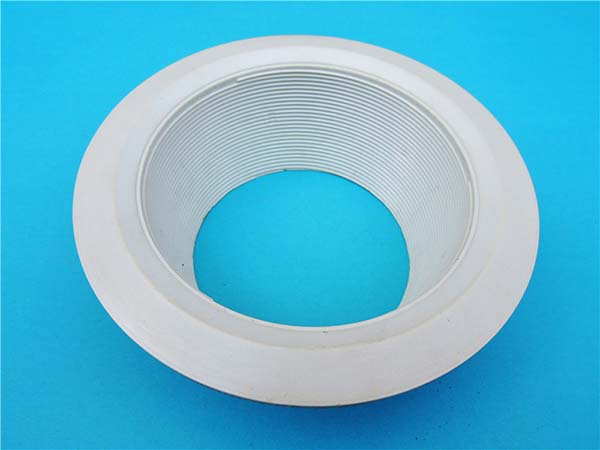
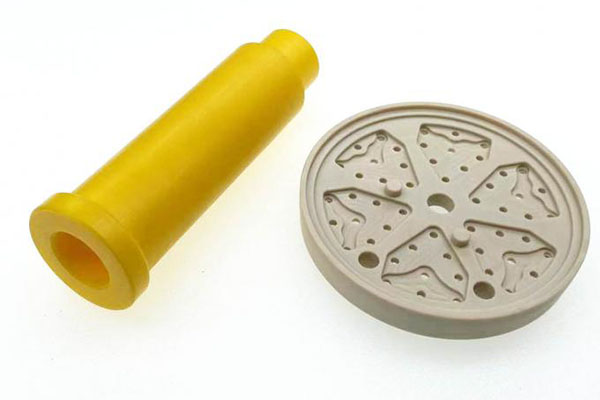
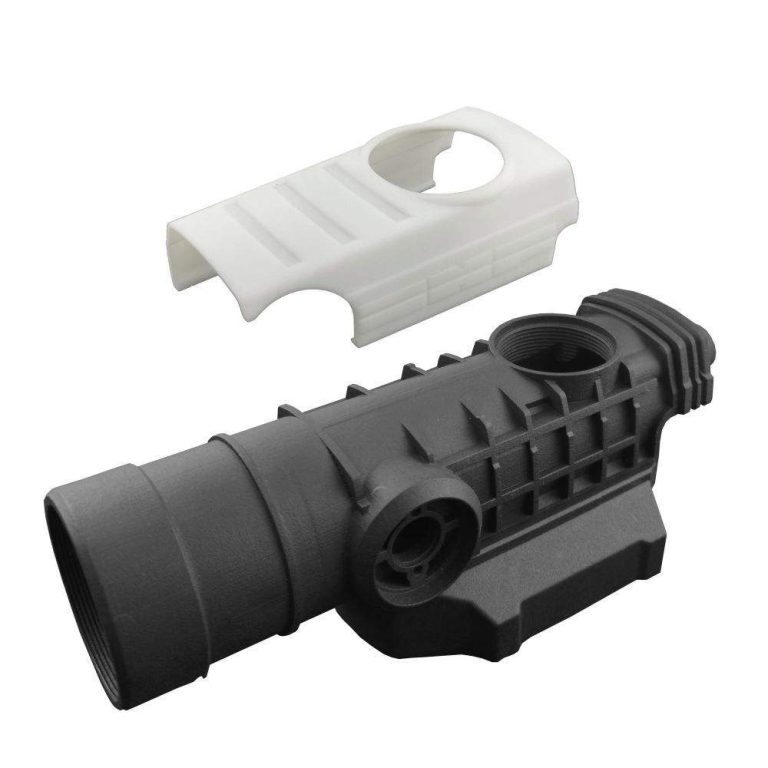
You saw the photos. That mirror-smooth surface. The tiny details no other printer could touch. SLA 3D printing looks like magic. But behind that glossy finish? A messy reality most guides won't tell you about.
Stereolithography (SLA) uses a UV laser to cure liquid resin layer by layer. It delivers the highest resolution and best surface finish of any consumer 3D printing tech. That's why engineers, dentists, and jewelry makers swear by it.
But here's the truth. SLA is not just "press print and walk away." The real costs hide in post-processing, safety gear, resin waste, and maintenance. For some workflows, SLA is the only choice. For others, it's a money pit.
This guide breaks down every major pain point. We'll cover costs, safety, speed, material limits, and scalability. By the end, you'll know exactly if SLA fits your needs — or if you should look elsewhere.
1. Why Is SLA So Expensive to Start?
Most people see the printer price. They miss the rest.
Desktop vs. Industrial SLA Costs
A basic desktop SLA printer costs 200to3,500. An industrial system? 10,000to150,000+. That gap is huge. But even the cheap end comes with hidden costs.
| Cost Item | Desktop SLA | Industrial SLA |
|---|---|---|
| Printer | 200–3,500 | 10,000–150,000+ |
| Wash Station | 100–500 | 1,000–5,000 |
| UV Cure Station | 50–300 | 500–3,000 |
| Resin (1L) | 25–80 | 100–500 |
| Safety Gear | 50–200 | 200–1,000 |
| Total Startup | 450–5,000 | 12,000–160,000+ |
Hidden Startup Costs
You also need a wash station to clean uncured resin. A UV cure station to harden parts. Nitrile gloves, safety goggles, and a respirator are not optional. Add ventilation if you print indoors.
One small shop owner told us he spent **1,200∗∗ongearbeforeprintingasinglepart.Theprinteritselfwasonly350.
When to Buy vs. Outsource
| Scenario | Best Choice |
|---|---|
| 1–3 prints per month | Outsource to a service bureau |
| Weekly prototyping | Desktop SLA makes sense |
| Daily production runs | Industrial SLA or switch to SLS |
If you print less than once a week, outsourcing saves you thousands in setup and waste.
2. How Much Post-Processing Does SLA Require?
This is the big one. SLA prints are not done when the printer stops.
The Mandatory Three-Step Workflow
Every single SLA print needs this:
- Wash — Remove uncured resin with IPA (isopropyl alcohol) or a dedicated wash station. Takes 2–10 minutes.
- UV Cure — Harden the part under UV light. Takes 5–30 minutes depending on size.
- Remove Supports — Cut or snap off support structures. Takes 5–20 minutes.
That's 15 to 60 minutes of labor per print. Most beginners don't budget for this.
Time Costs Add Up Fast
Let's say you print 10 parts a week. At 30 minutes of post-processing each, that's 5 hours a week. That's a quarter-time job you didn't plan for.
Tools That Help
| Tool | What It Does | Cost |
|---|---|---|
| Wash & Cure Station | Automates washing + curing | 150–500 |
| Air Blower Gun | Dries parts fast | 15–30 |
| Flush Cutters | Clean support removal | 8–20 |
| Sanding Kit (400–3000 grit) | Smooths layer lines | 10–25 |
A wash and cure station is the single best investment. It cuts post-processing time in half.
3. Is SLA Safe for Home or Office Use?
Short answer: Yes, but only with the right setup.
Real Chemical Risks
Liquid resin is not glue. It's a chemical cocktail of acrylates and photoinitiators. Risks include:
- Skin contact → rashes, dermatitis, allergic reactions
- Inhalation → fumes cause headaches and lung irritation
- Eye exposure → resin splashes can damage corneas
I worked with a dental lab that printed without gloves. Within a week, two technicians developed contact dermatitis on their hands. That's not rare.
Essential Safety Gear
| Gear | Why You Need It |
|---|---|
| Nitrile gloves (not latex) | Resin eats through latex fast |
| Safety goggles | Splashes happen during washing |
| Respirator with organic vapor cartridge | IPA and resin fumes are toxic |
| Ventilation fan or fume hood | Keeps fumes out of your lungs |
Low-Odor Resins: Do They Work?
Some brands market "low-odor" or "eco-friendly" resins. They reduce fumes but do not eliminate risk. You still need gloves, goggles, and ventilation. The "bio-based" label sounds green. But the chemicals are still reactive. Treat all resin as hazardous.
4. Why Do SLA Parts Break So Easily?
This frustrates everyone. You print a beautiful part. It snaps in your hand.
The Brittleness Problem
Standard SLA resins are rigid and brittle. They have high tensile strength but very low impact resistance. Think of them like glass. Strong until they shatter.
The reason? The polymer chains in standard resin are tightly cross-linked. That gives detail and hardness. But it kills flexibility.
Resin Options Compared
| Resin Type | Impact Strength | Flexibility | Cost (per kg) |
|---|---|---|---|
| Standard | Low | None | 30–60 |
| Tough/ABS-like | Medium | Low | 50–90 |
| Flexible/TPU-like | Medium-High | High | 60–120 |
| High Temp | Medium | None | 80–150 |
| Castable/Burnout | Very Low | None | 90–200 |
Tough resins like Siraya Tech Tenacious or Elegoo ABS-like are game-changers. They cost more but resist cracking.
Design Tips for Stronger Parts
- Add fillets to sharp corners — stress concentrates there
- Increase wall thickness to at least 1.5mm
- Orient parts so layer lines don't align with stress points
- Use tough resin for any functional part
One engineer we know switched from standard to tough resin. His snap-fit prototypes went from cracking in 3 days to lasting 6 months of testing.
5. Can SLA Handle Large Parts?
Not really. And that's a hard limit.
Build Volume Reality Check
| Technology | Typical Build Volume |
|---|---|
| Desktop SLA | 120 × 68 × 155 mm (approx.) |
| Mid-Range SLA | 192 × 120 × 300 mm |
| Industrial SLA | Up to 750 × 750 × 550 mm |
| FDM (large) | 300 × 300 × 400 mm+ |
| SLS | 300 × 300 × 300 mm+ |
Even the biggest SLA machines are smaller than most FDM printers. If you need a part bigger than a shoebox, SLA struggles.
Splitting Large Models
You can split a model into sections, print each part, then glue or snap them together. But this adds:
- Assembly time
- Visible seam lines
- Weaker joint points
When to choose SLA for large parts: Only if you need extreme detail on a medium-sized part. For big, strong, functional parts? Go FDM or SLS.
6. How Do You Balance Speed and Quality?
SLA is slow. Let's be honest about that.
What Controls Print Speed?
Three settings matter most:
| Setting | Faster | Slower (Better Quality) |
|---|---|---|
| Layer Height | 100–150 microns | 25–50 microns |
| Exposure Time | Shorter per layer | Longer per layer |
| Anti-Aliasing | Off | On (2x–4x slower) |
A print at 50-micron layers with 4x anti-aliasing can take 3–5x longer than a 100-micron print. But the surface quality difference is dramatic.
Speed Optimization Tips
- Use 100-micron layers for draft parts
- Turn off anti-aliasing for non-visible surfaces
- Orient flat surfaces up — fewer layers = faster print
- Use draft resin if your printer supports it (faster cure times)
A 2-hour print at draft quality vs. an 8-hour print at exhibition quality. Know which you need before you start.
7. Why Are SLA Supports So Frustrating?
Supports in SLA are a love-hate thing.
Support Design Basics
| Factor | What It Means |
|---|---|
| Touchpoint size | Smaller = less mark, but weaker hold |
| Support density | Higher = stronger, harder to remove |
| Support angle | Steeper = less material, more risk of failure |
Bad support placement = print failure. Aggressive removal = destroyed details.
How to Remove Supports Cleanly
- Use flush cutters right at the touchpoint
- Twist slowly — don't yank
- Sand the mark with 400-grit sandpaper
- For tiny marks, a hot air gun softens the resin slightly for easier removal
Software That Helps
| Slicer | Support Feature |
|---|---|
| Chitubox | Auto-supports with density control |
| Lychee Slicer | Tree supports (minimal contact) |
| PreForm (Formlabs) | Smart supports with breakaway points |
Tree supports are a huge improvement. They use thin branches instead of solid blocks. Less material. Easier removal. Fewer scars.
8. Is Resin Waste Eating Your Budget?
Yes. And most people don't track it.
True Cost Per Print
| Cost Factor | Estimate Per Print |
|---|---|
| Resin used | 0.50–5.00 |
| Supports (wasted resin) | 0.20–2.00 |
| Failed prints (resin + time) | 2.00–10.00 |
| IPA for washing | 0.10–0.50 |
| Total real cost | 3–20+ per print |
That $25 bottle of resin? It might only give you 5 good prints if you count waste and failures.
How to Cut Resin Waste
| Trick | Savings |
|---|---|
| Hollow out solid parts | 30–60% less resin |
| Add drain holes | Faster washing, less trapped resin |
| Orient to minimize supports | 10–20% less support resin |
| Recycle drained resin (carefully) | 50% cost reduction on non-critical prints |
Recycling drained resin works for non-functional prints. But aged resin produces weaker parts. Always test first.
9. How Do You Dispose of SLA Waste Safely?
This is not something you can just pour down the drain.
The Rules
| Waste Type | How to Dispose |
|---|---|
| Uncured liquid resin | Hazardous waste — never pour down drain |
| IPA (used) | Let it evaporate in a ventilated area, or treat as hazardous waste |
| Cured resin scraps | Some areas allow regular trash (check local rules) |
| Paper towels with resin | Hazardous waste |
Step-by-Step Disposal Process
- Cure all leftover resin in your UV station first
- Let used IPA evaporate in a well-ventilated area
- Collect cured scraps and solid waste in a sealed container
- Take uncured resin and IPA to a local hazardous waste drop-off
I've seen shops fined $5,000+ for dumping resin into municipal water systems. Don't be that shop.
Eco-Friendly Alternatives
- Water-washable resins reduce IPA use by 80%
- Bio-based resins (like Siraya Tech Fast Mech) lower environmental impact
- Resin recycling services — some companies will take your waste for reprocessing
10. What Maintenance Keeps SLA Alive?
Neglect kills SLA printers. Fast.
FEP Film Care
The FEP film is the thin layer at the bottom of your resin vat. It's your most replaced part.
| Signal | Action |
|---|---|
| Film looks cloudy | Replace soon |
| Film has scratches | Replace now |
| Prints have bottom-layer failures | Replace immediately |
| Typical lifespan | 20–80 prints (depends on resin and use) |
A FEP film costs 10–30. Replacing it takes 5 minutes. Skipping it ruins every print.
Vat and Screen Cleaning
| Task | Frequency | Time |
|---|---|---|
| Wipe resin vat | After every print | 2 min |
| Clean LCD/screen (MSLA) | Weekly | 10 min |
| Full resin filter check | Monthly | 15 min |
| Recoat blade replacement | Every 50–100 prints | 5 min |
Calibration Schedule
| Check | Frequency | Why |
|---|---|---|
| Z-offset calibration | Every 10 prints | Ensures first layer adhesion |
| XY dimensional test | Monthly | Catches drift early |
| UV intensity check | Quarterly | Prevents under/over-curing |
One Formlabs service rep told us that 70% of "printer failures" are actually calibration issues. Not broken hardware. Just drift.
11. Why Doesn't My Print Look Smooth?
Let's manage expectations.
What Causes Imperfections
| Problem | Cause | Fix |
|---|---|---|
| Layer lines visible | Layer height too high | Drop to 25–50 microns |
| Support scars | Poor support placement | Use tree supports, smaller touchpoints |
| Uneven curing | UV station too weak or old | Upgrade to 405nm LED array |
| Tacky surface | Under-cured | Add 5–10 min cure time |
| Cloudy finish | Wet resin or old resin | Dry parts fully, use fresh resin |
Finishing Techniques for Smooth Results
| Technique | Result | Difficulty |
|---|---|---|
| 400 → 2000 grit sanding | Matte smooth | Easy |
| Polish with automotive compound | Glossy shine | Medium |
| Spray primer + paint | Perfect finish | Medium |
| Epoxy coating | Glass-like surface | Advanced |
Real talk: A 50-micron SLA print with zero post-processing will still show faint layer lines under bright light. That's normal. If you need truly invisible layers, you need 25-micron prints plus sanding and polishing.
12. Can You Scale SLA to Production?
This is where most shops hit a wall.
Batch Consistency Challenges
| Variable | Impact on Consistency |
|---|---|
| Resin age | Older resin = weaker, more brittle parts |
| Room temperature | Cold resin = slower cure, layer shifts |
| Machine drift | Dimensional accuracy degrades over time |
| UV lamp aging | Inconsistent curing after 500+ hours |
When SLA Makes Sense for Production
| Volume | Best Choice |
|---|---|
| 1–10 parts/week | SLA (desktop) — perfect |
| 10–50 parts/week | SLA (industrial) — doable with automation |
| 50+ parts/week | Switch to SLS or injection molding |
One dental lab we worked with printed 200 aligner molds per week on four Formlabs printers. They automated washing and curing. It worked — but only because they had a dedicated technician managing the workflow.
The Breaking Point
If your per-part cost exceeds $5 or your lead time exceeds 48 hours, SLA is probably not scaling well. At that point, SLS for complex geometry or injection molding for high volume will beat SLA on cost and speed.
Conclusion
SLA 3D printing delivers the best surface finish and finest detail in the industry. No other technology comes close for small, precise parts.
But it's not a free lunch. The real costs live in post-processing time, safety gear, resin waste, maintenance, and scalability limits. For hobbyists printing a few figures a month, a desktop SLA is a joy. For a shop trying to produce 100 parts a week, it becomes a bottleneck.
Use this guide to match SLA against your actual workflow. If you need mirror-smooth detail on small functional parts — SLA wins. If you need speed, size, or volume — look at FDM, SLS, or molding.
The right tool depends on your job. Not the other way around.
FAQ
Is SLA better than FDM for detail?
Yes. SLA produces layer heights as low as 25 microns. FDM typically starts at 50–100 microns. For fine detail, SLA is clearly superior.
How long do SLA prints last?
With tough resin and proper design, SLA parts last years indoors. Standard resin degrades under UV light over months. Always coat or paint outdoor parts.
Can you use SLA resin in an FDM printer?
No. SLA resin is liquid and UV-cured. FDM uses thermoplastic filament. They are completely different materials and processes.
What is the biggest downside of SLA printing?
Post-processing burden. Washing, curing, and support removal add 15–60 minutes per print. Most beginners underestimate this.
Is SLA worth it for small businesses?
Yes — if you print detailed prototypes, jewelry, dental models, or small batches. No — if you need large parts or high volume. Match the tech to your use case.
How do I reduce SLA printing costs?
Hollow parts, use draft settings for non-visible areas, recycle drained resin for test prints, and outsource low-volume jobs.
Contact Yigu Technology for Custom Manufacturing
Need SLA 3D printed parts but don't want the hassle? Yigu Technology offers professional SLA printing, post-processing, and finishing services. From rapid prototyping to small-batch production, we handle the resin, the safety, and the cleanup — so you just get the parts.
📩 Get a free quote today. Visit our website or email us directly. Let's build your next project — the right way.